CLI-first video generation
Video, written in JavaScript.
Scenes are code. Renders are pixel-identical to preview, pinned by golden screenshots, and exported to MP4 or PPTX with a single command.
60 fps deterministic
JS scenes in git
Golden screenshot CI
MP4 / PPTX export
npm i -g yoclip && yoclip render examples/hello
Copied to clipboard
yoclip About — rendered live by the Flutter embed player from source scenes
Open in Studio
How it works
From code to final cut.
No timelines, no keyframe editors. Three steps, all version-controlled.
01
Write JS scenes
Each scene is a plain JavaScript module with a render function. Canvas, text, shapes, timing — all expressed in code you already know.
render(frame)
02
Preview & pin goldens
Preview live, then lock every frame with golden screenshots. CI compares renders pixel-for-pixel, so visual regressions never slip through.
0 diff
03
Export anywhere
One command renders the final video or slide deck — byte-identical to what you previewed, ready for CI, releases, or socials.
MP4
PPTX
CI
Features
Everything a render pipeline needs.
Declarative scenes
Compose text, shapes, images, and timing with UI-like layout primitives — then render the same pixels every time.
Docs →Golden tests / CI
Golden screenshots make every pull request a frame-accurate review. Video finally behaves like software.
Docs →Export MP4 / PPTX
One command renders the final video or slide deck — byte-identical to what you previewed, ready for CI or releases.
Docs →Themes & variants
Swap palettes, copy, and layout through themes — produce branded or localized variants without forking scenes.
Audio envelopes
Layer music and voiceover with volume envelopes, fades, and sample-precise offsets — mixed at render time.
Web embed player
Drop a yoclip project into any page with an iframe. Same engine, same pixels, no re-encode.
AI-assisted Studio
A native macOS Studio with an AI agent that writes, previews, and tweaks scenes alongside you.
A scene, in full
If you can write a function, you can ship a video.
// a 3-second title card at 60 fps
export default {
  id: 'hello',
  duration: 180, // 3s @ 60fps
  render(frame) {
    const t = Math.min(frame / 48, 1); // ease-in over 0.8s
    return {
      type: 'stack',
      children: [{
        type: 'text',
        text: 'hello, yoclip',
        opacity: t,
        style: { fontSize: 96, color: '#8C5CF6' },
      }],
    };
  },
};The frame the CLI exports is byte-identical to what you preview in Studio — whether you render MP4 or PPTX.
Case study
From ticket to pull request.
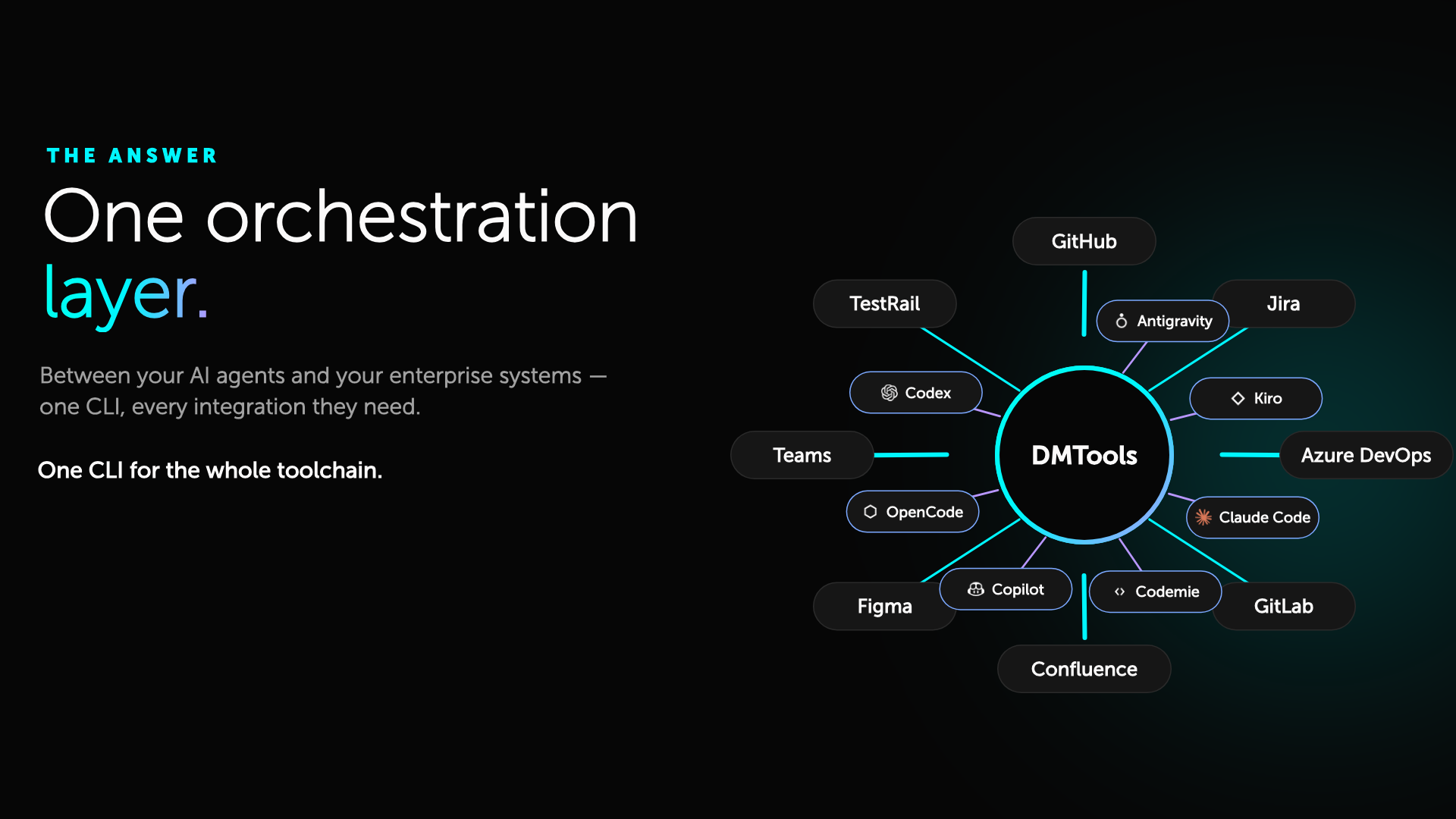
How EPAM's open-source dm.ai CLI framework was turned into a dual-theme product film without touching a video editor.
DMTOOLS — AI-native factory automation
A single yoclip project renders both dark and light versions of a CLI-harness story: code context, agent execution, CI/CD integrations, and human-in-the-loop approval — all described in JavaScript scenes.
290+
CLI tools exposed as scene data
2
Brand themes from one project
0
Manual video edits
Example projects
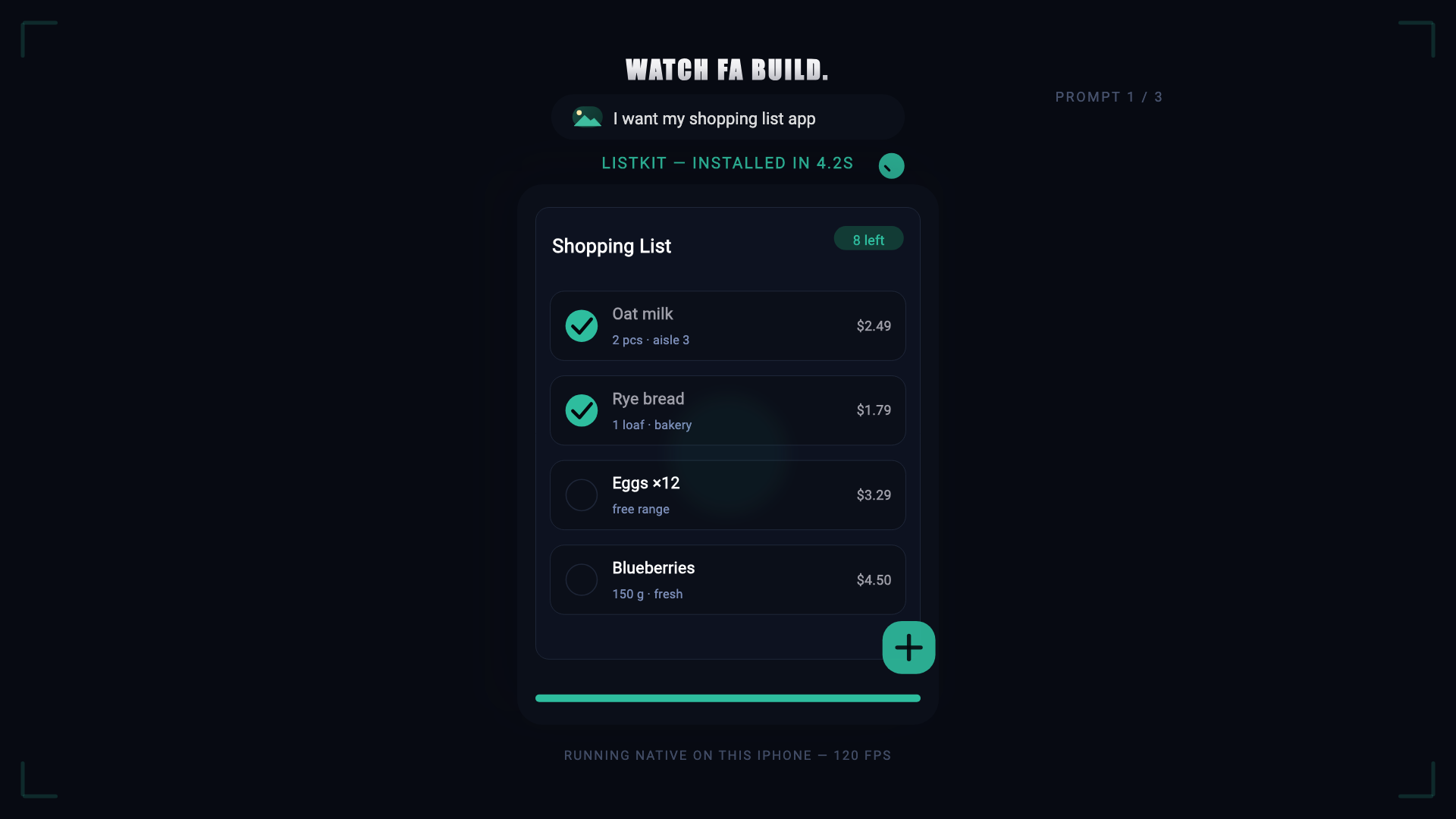
Films made with  .
.
Browse real projects you can clone, render, and remix.
Note: the two “EPAM” examples are brand exercises —
they show how yoclip can adapt to an external design system.
yoclip itself is not an EPAM product.

Source-level playback
Play from code, not just pixels.
The web player loads the project's yoclip.yaml, scene JS
and assets over HTTP and renders them with the same Flutter engine
used by Studio and export. No re-encode, no MP4 proxy.
<iframe
  src="https://yoclip.studio/player/?src=https://yoclip.studio/assets/projects/yoclip_about/yoclip.yaml"
  width="960"
  height="540"
  frameborder="0"
  allow="autoplay; fullscreen"
></iframe>Controls
Remote control from your host page.
const player = document.querySelector('iframe').contentWindow;

player.postMessage({ yoclip: 'play' }, '*');
player.postMessage({ yoclip: 'seek', frame: 320 }, '*');
player.postMessage({ yoclip: 'mute', muted: false }, '*');

window.addEventListener('message', (e) => {
  if (e.data?.yoclip === 'ended') console.log('done');
});
Documentation
Yoclip Scene API.
Open reference for writing JavaScript scenes. The Yoclip Studio and CLI are closed tools; the scene language documented here is public and stable.
Loading documentation…